For most solopreneurs, time is more limited than money.
The real growth problem is usually not a lack of effort. It is repetition. When you keep doing every research pass, draft, follow-up, scheduling change, note cleanup, and customer reply yourself, the work that actually moves the business forward gets squeezed out.
That is why AI automation matters more for solo operators than for larger teams. A company can often solve bottlenecks by hiring more people. A solopreneur usually cannot.
As of March 22, 2026, mainstream AI tools already support project-based context, recurring tasks, meeting-note capture, drafting help, and plain-language workflow building. The hard part now is not access. It is using those capabilities without creating a messy system.
The real value of AI automation is not replacing your business judgment. It is removing low-leverage work so you can spend more time on strategy, product development, sales, positioning, and relationship building.
Why Solopreneurs Need AI Automation First
If you stop working, a solo business often slows down immediately.
That is why the goal is not to automate everything. The goal is to reduce how much work still needs your direct attention.
Here is a simple example of the same workload with and without AI support. The exact numbers will vary, but the pattern is the point:
| Task | Manual first pass | AI-assisted first pass |
|---|---|---|
| Research summary | 60 minutes | 10 minutes |
| Blog draft structure | 60 minutes | 10 minutes |
| Title ideas | 30 minutes | 5 minutes |
| Repetitive customer replies | 30 minutes | 5 minutes |
| Task and note organization | 20 minutes | 5 minutes |
The point is not to save time just for the sake of saving time.
The point is to use that freed-up time on work only you can do well: strategic decisions, offer design, messaging, quality control, product improvement, and trust-building.
1. Research Summaries and Competitive Scans
Research takes longer than it should for most solopreneurs because the fear of missing something important keeps stretching the first pass.
A better workflow is to let AI handle the initial sweep. Use it to:
- summarize the main ideas on a topic
- compare the angles competing articles are taking
- collect common beginner questions
- organize pros and cons
- draft a rough outline from the findings
Your job is not to manually gather every detail. Your job is to decide which details matter most for the business decision in front of you.
2. First Drafts and Content Outlines
Using AI for writing does not mean publishing generic content with no thinking behind it.
A better process looks like this:
- Write your main argument in plain language.
- List the questions your reader is most likely to ask.
- Let AI turn that into a structure and rough draft.
- Add your judgment, examples, stories, objections, and sharper wording.
This saves time without weakening the core message. AI gives you a first pass. You still decide what is true, useful, and worth publishing.
3. Repurposing One Idea Into Multiple Assets
Solopreneurs burn out quickly when every piece of content starts from zero.
That is why repurposing is one of the highest-leverage uses of AI. One solid blog post can become:
- one newsletter
- three short social posts
- one video script
- one FAQ section
- one lead magnet or mini guide
AI is especially good at format conversion. It can reshape one strong idea into several usable outputs without forcing you to rebuild the whole thing each time.
4. Customer Reply Drafts and FAQ Libraries
Customer communication repeats more than most solo founders expect.
Questions about pricing, timelines, scope, refunds, onboarding, deliverables, and next steps tend to show up again and again. AI can help you create:
- email reply drafts
- FAQ answers
- inquiry categories
- pre-call information messages
- tone-adjusted versions of the same answer
This is a good automation target because the structure repeats even when the final wording should stay human. Customer communication affects trust, so automation should support your review, not replace it.
5. Meeting Notes, Follow-Ups, and Task Capture
Small businesses lose a lot of momentum after calls.
The meeting ends, notes are scattered, action items are unclear, and follow-ups get delayed because cleanup takes longer than expected. AI can help turn messy notes or transcripts into:
- a short summary of what was decided
- action items with owners and deadlines
- unanswered questions
- a follow-up email draft
- a clean task list for your next work block
This matters because post-meeting cleanup is pure overhead if you keep doing it manually.
6. Scheduling, Admin Cleanup, and Prioritization
Many solopreneurs feel exhausted not because of creative work, but because of constant operational interruption.
Things like rewriting to-do lists, reorganizing notes, prioritizing tasks, tracking deadlines, and cleaning up scattered information seem small, but they break focus all day long.
AI works especially well for this kind of operational cleanup. It can help you:
- turn scattered notes into a weekly plan
- rewrite a messy to-do list into priority order
- group tasks by urgency or context
- draft meeting agendas from loose talking points
- organize follow-ups after a client or sales conversation
This is one of the fastest ways to get time back because the work is repetitive, not strategic.
7. SOPs, Checklists, and Reusable Templates
If you start from scratch every time, you are not really automating.
Once you find a workflow that works, save it. AI can help turn your best repeated process into a reusable asset:
- a blog drafting template
- a research prompt
- a customer support reply framework
- an onboarding checklist
- a newsletter summary format
- a weekly review prompt
This is where the compounding effect starts. Good templates reduce decision fatigue, improve consistency, and make future AI output easier to review.
How to Start AI Automation Without Making a Mess
One of the biggest mistakes people make is paying for tools before they understand their workflow.
The better order is the opposite.
Step 1: Track your repetitive tasks
For one week, write down what you repeat.
Look for patterns like:
- explaining the same thing to different people
- doing similar research over and over
- rewriting similar content
- organizing notes after every meeting
- answering the same types of inquiries
Once the repetition is visible, the automation opportunities become obvious.
Step 2: Start with low-risk tasks
Do not hand off core business judgment first.
Start with tasks that do not require deep strategic thinking, such as:
- summarizing
- categorizing
- rewriting
- polishing sentences
- generating outlines
- formatting information
These are easier to test, easier to review, and less risky to automate poorly.
Step 3: Build a review habit
Automation does not mean zero review.
It means getting a faster first pass and then applying judgment at the end. That is where the quality gap shows up. Two people can use the same AI tool, but the one with a stronger review process gets better output.
Step 4: Turn what works into templates
If a prompt or workflow works well twice, save it.
That is how AI becomes part of a real system instead of a random tool you occasionally open when you feel overwhelmed.
How to Choose the Right AI Tools for a One-Person Business
Most solopreneurs do not need a giant stack. Usually, you need:
- one AI workspace for thinking, drafting, and organizing context
- one place where notes, tasks, or meetings already live
- one automation layer only if you truly need app-to-app handoffs
The market is already moving in that direction. Products like ChatGPT Projects and Tasks, Google Workspace Gemini, and Zapier Copilot are all pushing AI closer to real workflows instead of keeping it trapped in a blank chat box.
Judge tools on four practical criteria:
- Does it fit the way you already work? A feature-rich tool that creates more switching cost is not leverage.
- Is the output good enough to use quickly? If you rewrite everything from scratch, the tool is not actually saving time.
- Is it easy to move from output to action? Good tools reduce friction between draft, reply, plan, and publish.
- Does it save more time than it costs? Cheap is not the goal. Leverage is.
Common AI Automation Mistakes Solopreneurs Make
- trying to automate everything at once
- buying tools before understanding the workflow
- handing over core judgment on positioning, pricing, or strategy
- treating a draft like a finished product
- failing to save the prompts and workflows that already worked
Start with one task, get a real improvement, then expand. That is how you keep the system useful instead of chaotic.
A 7-Day AI Automation Plan for Solopreneurs
- Day 1: Write down every repetitive task you do in a normal workday.
- Day 2: Pick the three tasks you repeat most often.
- Day 3: Separate the parts that require judgment from the parts that do not.
- Day 4: Use AI only for the non-judgment parts and compare the result.
- Day 5: Save the best prompt or workflow as a repeatable template.
- Day 6: Standardize the output format. Use formats like
10 headline ideas,5-bullet summaries, or3 reply drafts. - Day 7: Integrate the process into your weekly workflow instead of treating it like a one-off experiment.
Final Thoughts
The best solopreneurs in the next few years will not win by doing the most work by hand.
They will win by combining better judgment with better systems.
That is the real value of AI automation. It is not about using impressive technology for its own sake. It is about reclaiming time so you can spend more of it on decisions, strategy, and work that actually compounds.
If you constantly feel short on time, do not just try to push harder. Start by looking at what you can delegate to AI today. For a one-person business, that is often the most practical first step toward stronger leverage.
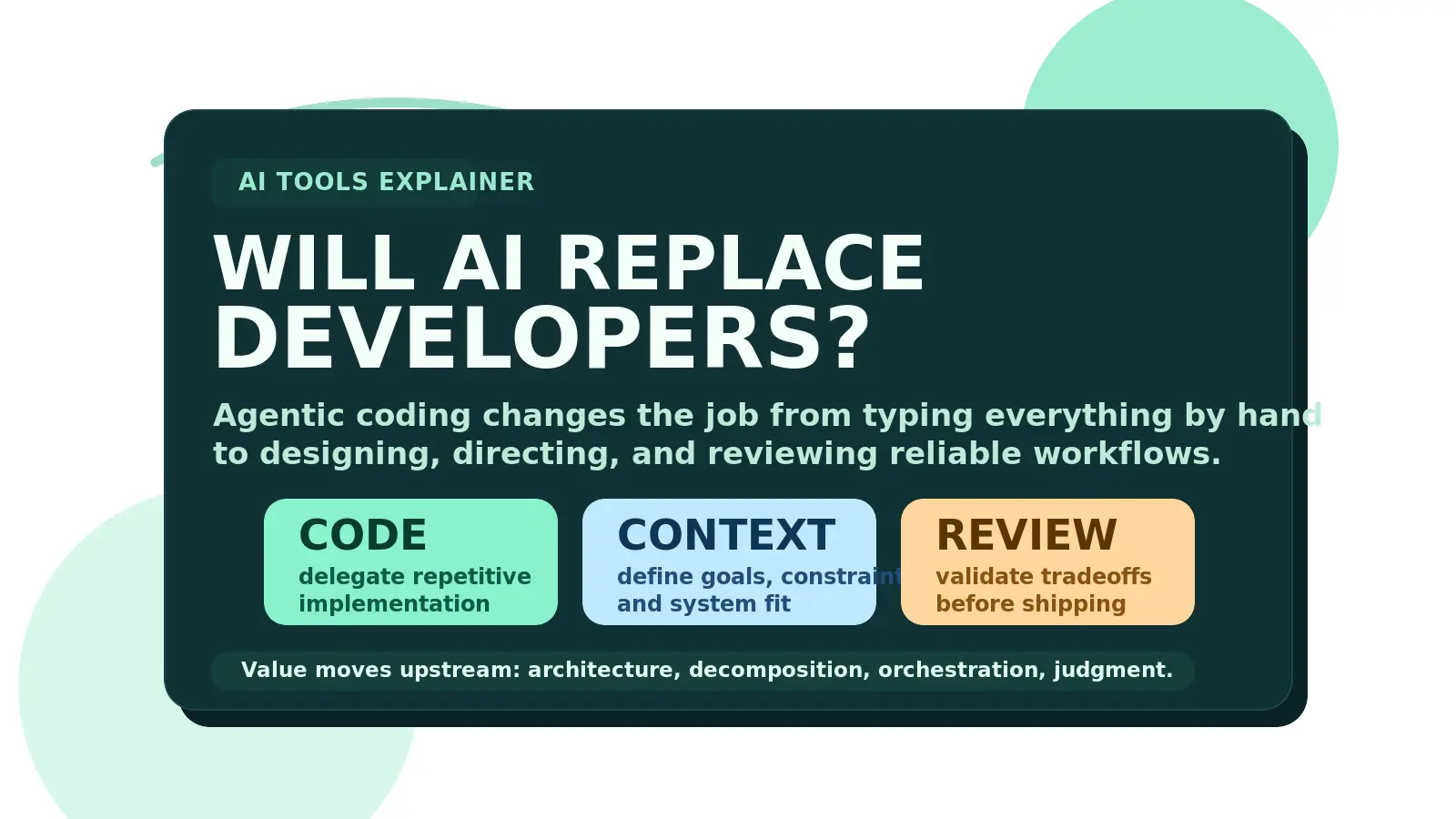
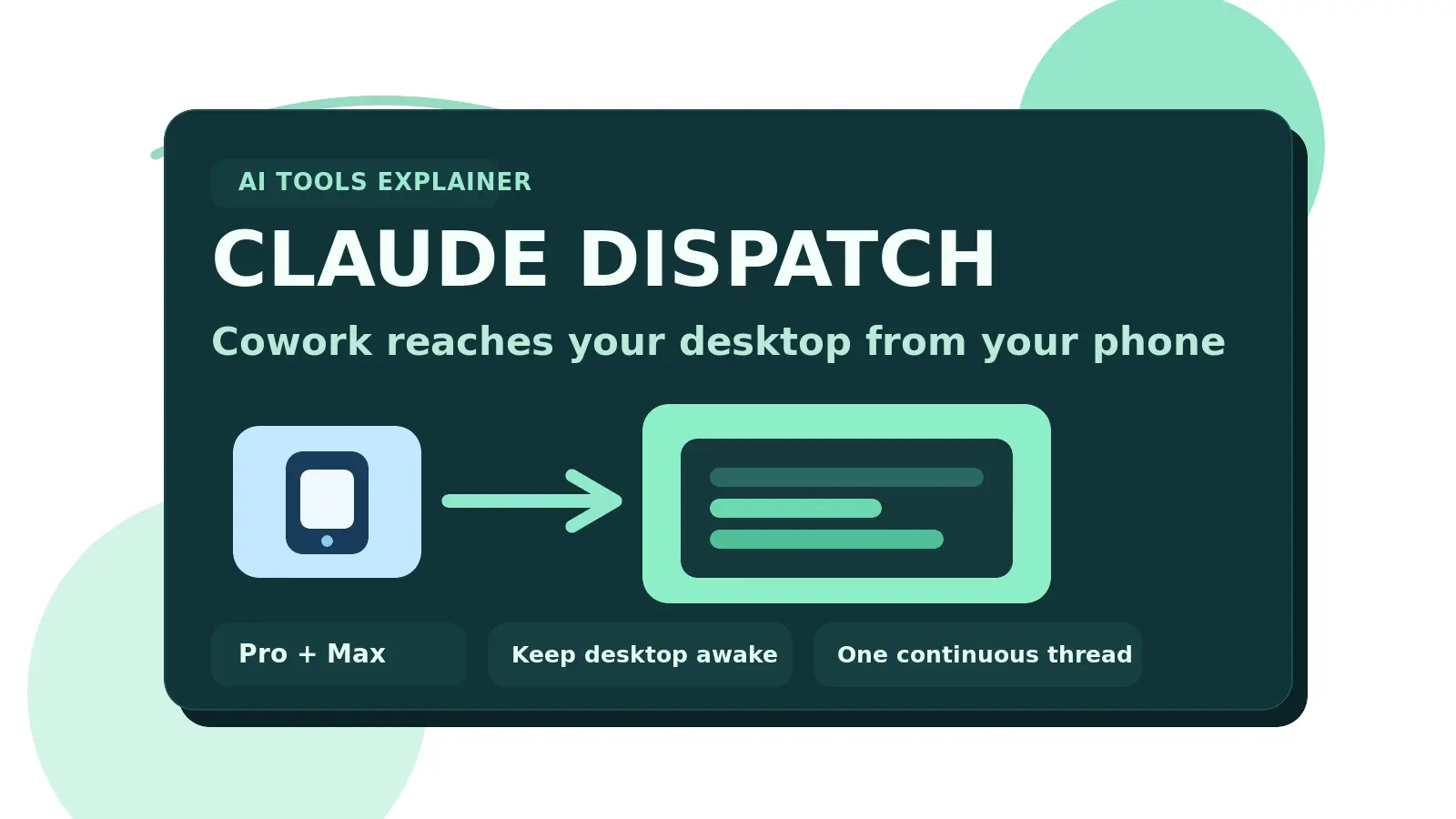
If you want the broader workflow shift behind this, Will AI Replace Developers? Agentic Coding Changes the Job covers why value moves toward orchestration and review, and Claude Dispatch Turns Cowork Into a Real Remote AI Assistant shows how AI tools are moving closer to persistent real-world workflows. For more articles in this lane, use the AI Tools hub.