A point release is easy to ignore, but should you install iOS 26.4 now or wait? On March 24, 2026, Apple released iOS 26.4 for iPhone 11 and later and published a long security page for it. After counting the public CVE entries on Apple's support article and checking Apple's update instructions, the low-regret answer is this: install iOS 26.4 soon if your phone already supports iOS 26, and do it after a backup rather than putting it off for days.
The main reason to wait is logistics, not a weak update. If you are mid-trip, very low on storage, or rely on one mission-critical app that you need to verify first, taking a short pause can be reasonable. But for most people, this is not the kind of release to ignore casually. Apple's public security page lists 38 CVE entries for iOS 26.4. For older devices, Apple shipped iOS 18.7.7 the same day with 24 CVE entries for iPhone XS, iPhone XS Max, and iPhone XR.
Should You Install iOS 26.4 Right Now?
Usually, yes.
Use this shortcut first:
- Install
iOS 26.4soon if you are on aniPhone 11 or laterand your phone is already on the iOS 26 branch. - Install it tonight, not next week, if you regularly browse on public Wi-Fi, use Safari heavily, or keep sensitive accounts on your phone.
- Wait briefly only if you cannot back up first, are in the middle of travel or work you cannot interrupt, or need one critical app confirmed before updating.
- If you use
iPhone XS,XS Max, orXR, do not wait for iOS 26.4. Your path isiOS 18.7.7.
The fastest comparison is here:
| Update path | Eligible iPhones | Apple release date | Public CVE entries counted on Apple's page* | Best move |
|---|---|---|---|---|
| iOS 26.4 | iPhone 11 and later | March 24, 2026 | 38 | Install soon after a backup |
| iOS 18.7.7 | iPhone XS, XS Max, XR | March 24, 2026 | 24 | Install if your device is on the older branch |
* Counted from Apple's public security content pages on March 25, 2026.
That table is the core answer. The practical point is not that every CVE has the same severity. It is that Apple published a wide enough spread of fixes that "I'll do it eventually" is weaker than "I'll back up and do it soon."
What Apple Actually Fixed in iOS 26.4
Apple's public security page makes this look more like a meaningful security-and-privacy update than a cosmetic point release.
These are the most useful items to understand before you decide:
- Apple lists a fix where an attacker in a privileged network position may be able to intercept network traffic.
- Apple lists a fix where someone with physical access to an iPhone with Stolen Device Protection enabled may be able to access biometrics-gated Protected Apps with the passcode.
- Apple lists a Mail privacy fix where Hide IP Address and Block All Remote Content may not apply to all mail content.
- Apple lists a local-access issue where an attacker may gain access to a user's Keychain items.
- Apple lists multiple Kernel issues and multiple WebKit issues, including cases involving crashes, bypasses, unexpected system termination, sandbox problems, and malicious web content.
That combination matters because it hits the areas normal people use constantly:
- network connections
- web browsing
- device privacy
- local credential storage
- app isolation
It also is not purely generic. Apple's page includes a device-specific entry for iPhone 16e, where a remote attacker may be able to cause a denial-of-service in one component. That does not mean only iPhone 16e users should care. It means the release is broad enough that Apple is patching both general and model-specific issues at once.
If you want the simplest interpretation, it is this: iOS 26.4 reads like an update you install for risk reduction, not one you delay because the visible feature story is unclear.
Who Should Install iOS 26.4 Tonight?
You should move faster if most of these sound like you:
- You use
Safariconstantly for banking, shopping, work dashboards, or logins. - You connect to hotel, airport, campus, office guest, or cafe Wi-Fi often.
- You keep password-heavy personal or work accounts on your iPhone.
- You use
Stolen Device Protectionor care about lockscreen and passcode privacy. - You are on an
iPhone 16e.
This is where update advice gets too generic on the internet. "Always update immediately" is lazy advice, and "always wait for .4.1" is also lazy advice. The better rule is to match the update type to your risk. On Apple's own public page, iOS 26.4 touches network traffic, protected apps, Mail privacy behavior, Keychain access, Kernel handling, and WebKit. That is enough surface area that most normal users do not gain much by staying back on 26.3.1.
If you are still on an aging phone and trying to decide whether to keep stretching it or move on, Should You Buy iPhone 17e Now or Wait? is the more useful hardware decision. But if your current phone still supports iOS 26, this specific question is mostly about update timing, not replacement timing.
When Waiting Is the Better Move
There is a real "wait" case, but it is narrower than many people want it to be.
Wait a short window if one of these is true:
- You cannot make a backup right now.
- Your battery is low and you are nowhere near stable power and Wi-Fi.
- You are boarding a flight, starting a long drive, or entering a work block where a restart would be badly timed.
- Your phone is used for one business-critical app that you cannot risk reauthenticating or revalidating in the next few hours.
This caution is partly an inference from Apple's update instructions, not a sign that Apple warned about an iOS 26.4 disaster. Apple says to back up your device, plug it into power, connect with Wi-Fi, and then use Settings > General > Software Update. That guidance exists for a reason. The lower-regret move is not "never update early." It is "update with backup, power, and time on your side."
So the right version of waiting is:
- wait until tonight
- wait until after your backup finishes
- wait until after today's critical work is done
The wrong version is:
- ignoring the update for a week because point releases feel small
- assuming a later patch is automatically safer without any evidence
- forgetting that security fixes matter even when the release notes are not exciting
What If Your iPhone Cannot Get iOS 26.4?
This is the branch split that matters most.
Apple's main security releases page says iOS 26.4 is for iPhone 11 and later. On the same date, Apple also published iOS 18.7.7 for iPhone XS, iPhone XS Max, and iPhone XR. That means older supported devices are not being ignored, but they are not on the same branch.
So the clean rule is:
iPhone 11 or later: installiOS 26.4iPhone XS / XS Max / XR: installiOS 18.7.7- older unsupported hardware: replacement planning starts to matter more than waiting for a branch you will not get
That is the point where update advice turns into buying advice. If your phone is hanging on at the edge of support and you are tempted to overspend on a premium replacement, Samsung Galaxy S26 Ultra: Buy It or Save $200 on S26+? is a useful comparison from the Android side. The broader Consumer Tech hub covers the rest of the site's device decisions.
What Apple Says to Do Before Installing
Apple's update instructions are more useful than most generic "tips" lists.
Before installing, Apple says to:
- Back up your iPhone using iCloud or your computer.
- Plug the device into power.
- Connect to Wi-Fi.
- Open
Settings > General > Software Update. - Tap
Download and Installif the update appears.
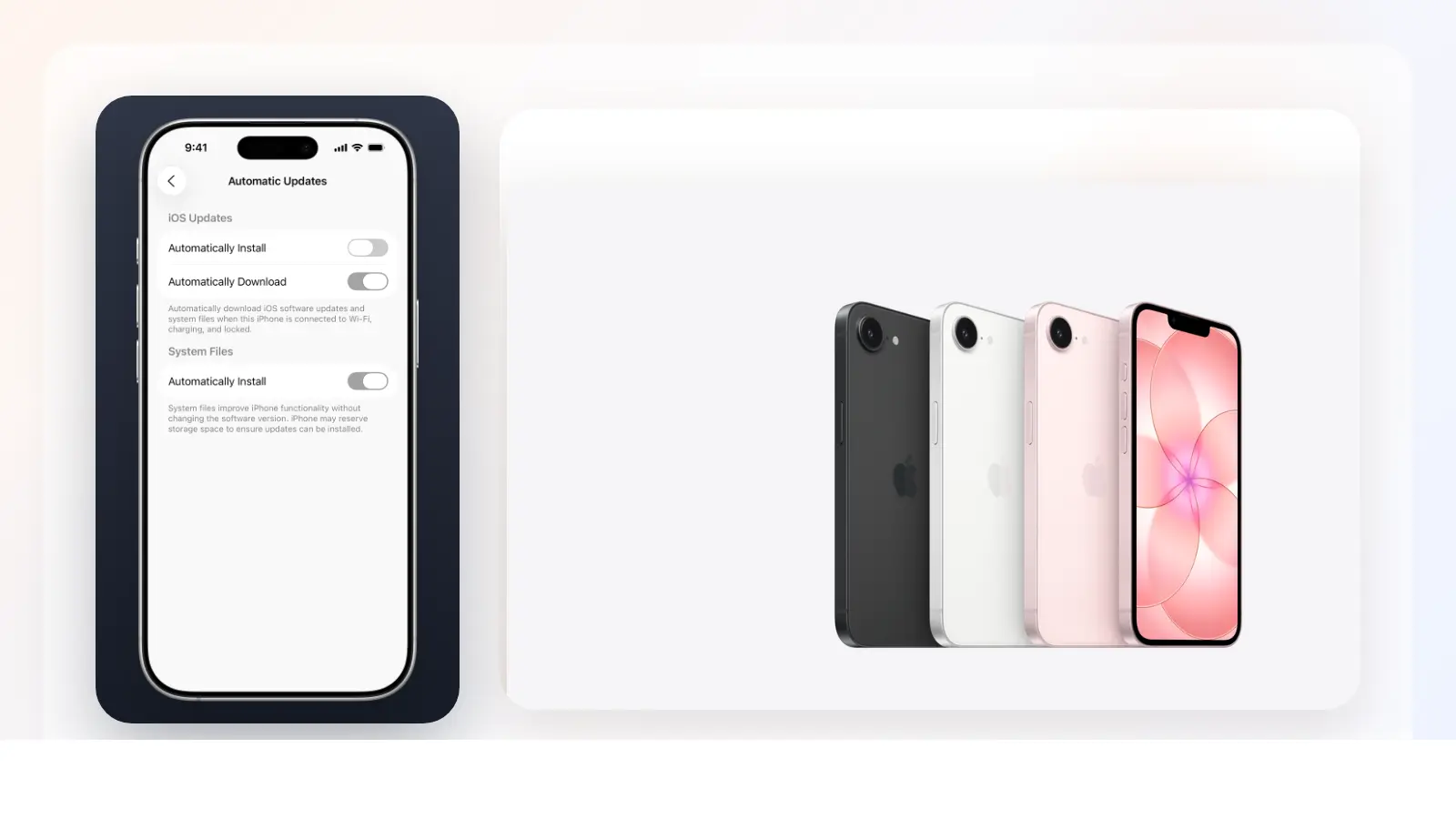
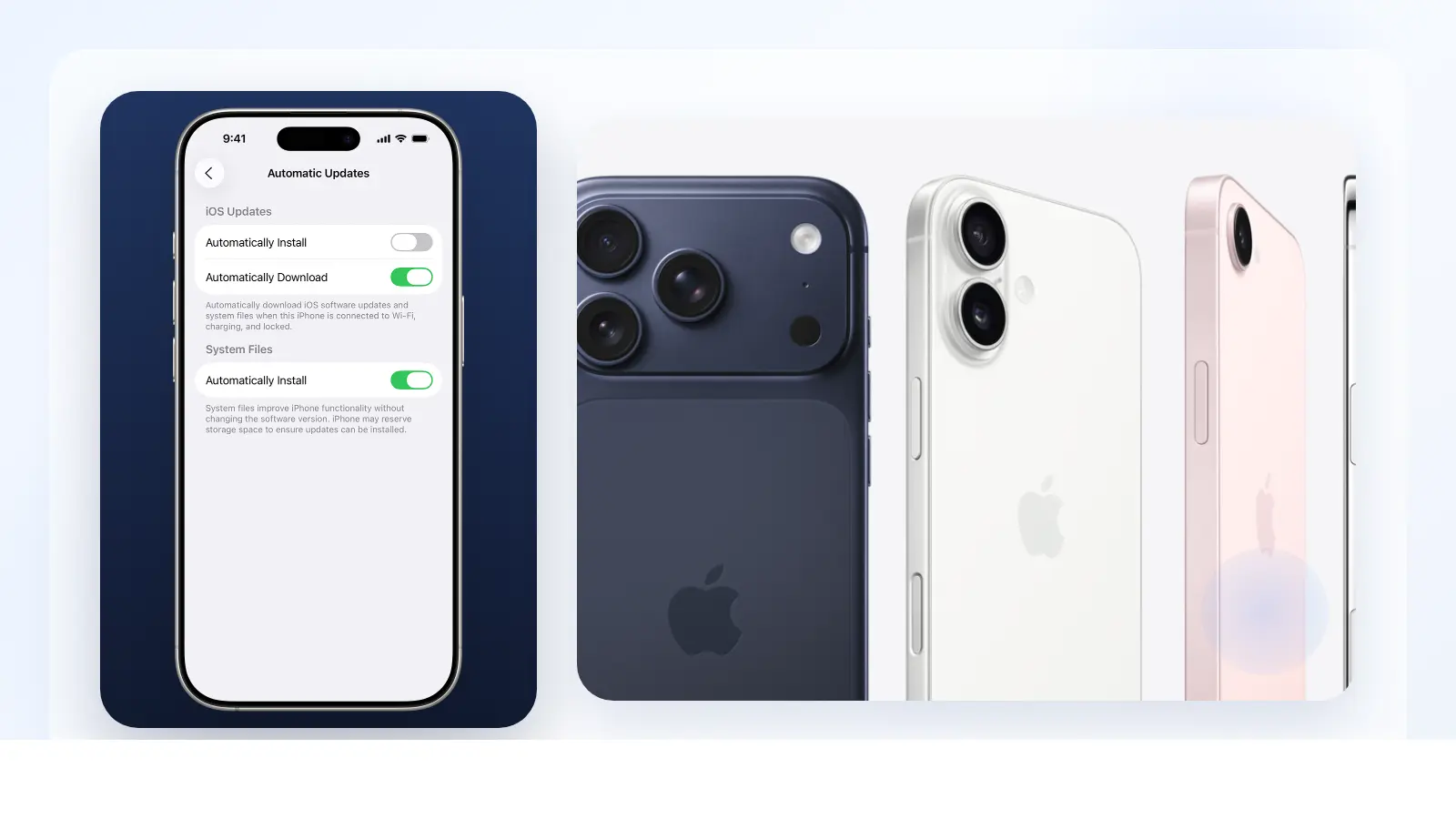
Apple also says you can turn on automatic updates so iPhone downloads and installs updates overnight while charging and connected to Wi-Fi. For many people, that is the easiest answer after a security-heavy release like this one. If you do not want to think about iOS point releases individually, automatic overnight updates are the simplest low-maintenance option.
Verdict
Install iOS 26.4 soon if your iPhone supports it.
The strongest reason is not hype. It is that Apple's public page for the March 24, 2026 release shows a wide enough spread of fixes to make delay harder to justify for ordinary users. Based on Apple's own support pages and direct review of the public documents on March 25, 2026, the best practical rule is:
- install
iOS 26.4after a backup if you useiPhone 11 or later - install
iOS 18.7.7if you useiPhone XS,XS Max, orXR - wait only for backup, timing, or mission-critical app reasons, not because this looks like an optional patch
That is the lower-regret move.